28
How to Save YouTube Thumbnails in Full HD (The Simple Way)
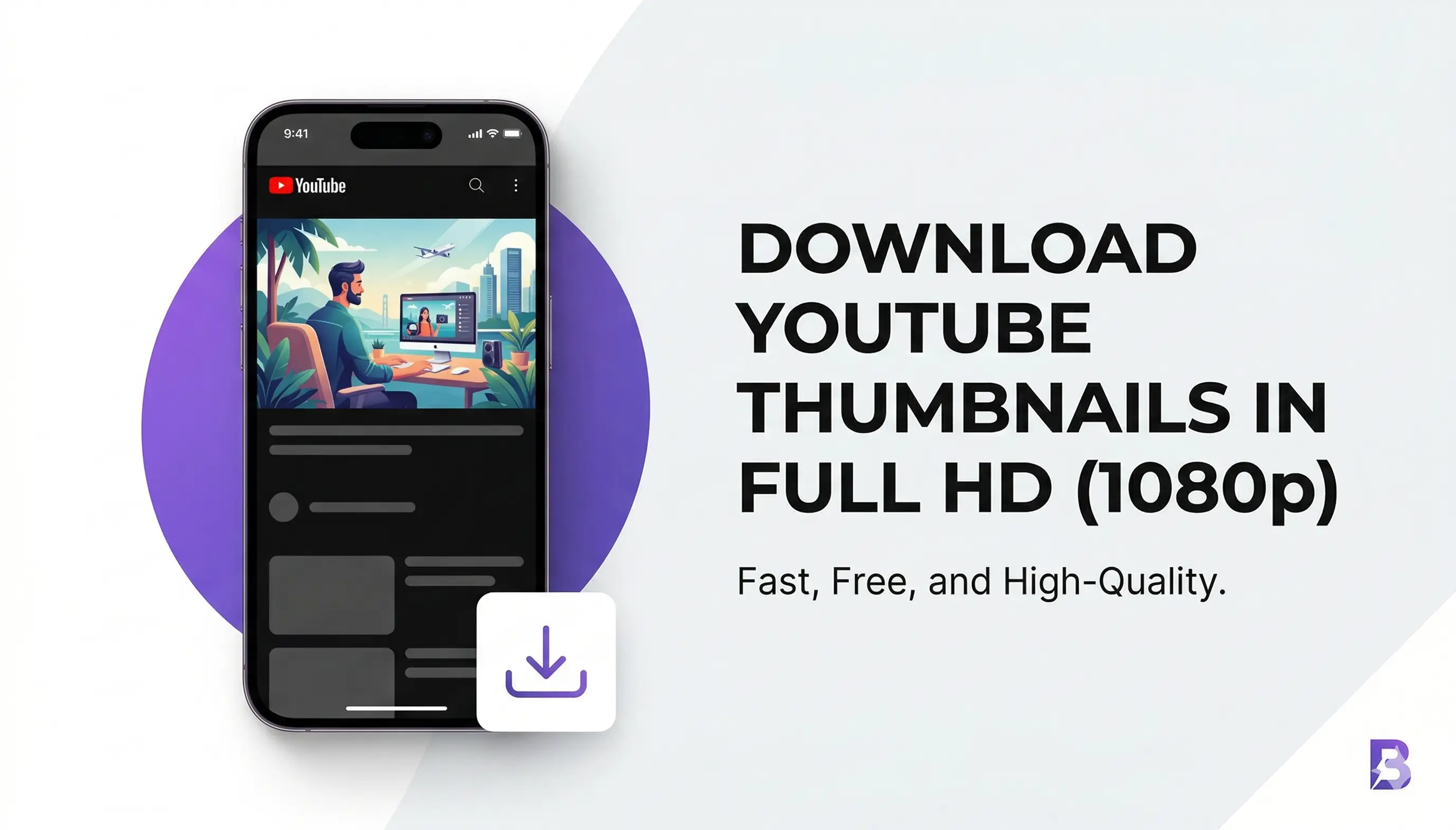
Download YouTube thumbnails in Full HD (1080p) for free. Simply paste the video link and save high-quality images instantly with Whoy’s fast and clean thumbnail downloader
We’ve all been there. You see a stunning YouTube thumbnail—maybe for inspiration, a collage, or just to study the typography—and you want to save it. But YouTube doesn’t exactly give you a "Save Image" button, does it?
Most people end up taking a low-quality screenshot, which looks blurry and professional. If you’re a creator or a designer, you need that Full HD (1080p) quality.
Why Quality Matters for Thumbnails
In the world of content creation, quality is everything. When you use a blurry thumbnail for a reaction video or a blog post, it makes the whole project look "cheap." Using a dedicated downloader ensures you get the exact file the creator uploaded, with all the vibrant colors and sharp details intact.
How to Use the Whoy Thumbnail Downloader
Getting your hands on that high-res image is actually easier than you think. Here’s the "no-nonsense" way to do it using our tool:
- Copy the Link: Go to the YouTube video you’re interested in and copy the URL from your browser's address bar.
- Paste & Fetch: Head over to our YouTube Thumbnail Downloader and paste the link in the box.
- Choose Your Size: You’ll see different options (HD, High, Medium). Always go for HD (1280x720) if it's available for the best results.
- Save: Right-click the image (or long-press on mobile) and hit "Save Image As." Done!
A Quick Note on Copyright
Before you go downloading everything, a quick "heads-up" from one creator to another: Respect the art. Thumbnails are copyrighted material. It’s perfectly fine to download them for inspiration, personal use, or educational purposes. However, re-uploading someone else's thumbnail as your own is a quick way to get a copyright strike. Use them wisely!
Why Use Whoy?
There are a million tools out there, but we built Whoy to be fast, free, and—most importantly—clean. No annoying pop-ups, no hidden "pro" fees. Just the tool you need, when you need it.
Contact
Missing something?
Feel free to request missing tools or give some feedback using our contact form.
Contact Us